For affordable WhatsApp Business automation for South African companies, we start by matching the cost and setup to the conversations your team actually needs to manage. The right choice may be the free WhatsApp Business app, or a WhatsApp Business API setup with shared staff access, automated workflows and integrations.
This guide compares the options: when the app is enough, which features matter, what WhatsApp Business API pricing really includes, and what to sort out before launch.
Key takeaways
| Question | Quick answer |
|---|---|
| When do we need the WhatsApp Business API? | Consider it when several staff need a shared inbox, or when repeat conversations should connect to business systems. |
| What should a small company automate first? | Start with a predictable task, such as answering common questions, qualifying leads or collecting appointment requests. |
| Which local service can we compare? | Review WhatsApp Business Automation in Cape Town as one example of an API-based service. |
| What makes an automation setup affordable? | Compare setup, recurring fees, message charges, integrations, user access and the value of the time your team saves. |
| How do we connect workflows across systems? | Map what information needs to move between WhatsApp and your CRM, ecommerce platform or booking tool. Our workflow automation approach can help frame that wider process. |
| What should we check before launch? | Plan number setup, staff training, customer consent, data handling and a clear handover to a person. |
When the WhatsApp Business app is enough, and when the API makes sense
The WhatsApp Business app suits a small team that answers conversations manually and needs basic business tools. WhatsApp Business API automation starts to make sense in three cases: several people need to manage one customer channel, replies follow repeatable steps, or staff keep re-entering WhatsApp details into other systems.
The WhatsApp Business Platform, usually accessed through the Cloud API or a provider, can support automated conversations and integrations. It also needs configuration and ongoing oversight. We would not add it just because automation sounds useful.
Is the WhatsApp Business API available in South Africa? Yes, South African businesses can use the WhatsApp Business Platform. Setup involves a WhatsApp Business Account and a Meta Business Account, plus the number connection and configuration required for the chosen setup.
For low message volumes, first estimate how much staff time goes into repeat questions and lead follow-ups. The investment makes sense when the time saved, or the extra qualified opportunities, justify the setup and continuing costs.
| Situation | WhatsApp Business app | WhatsApp Business API |
|---|---|---|
| Who answers | A small team replying manually | Several staff sharing one customer channel |
| Replies | Written by a person each time | Repeatable steps handled by automated workflows |
| Other systems | Details copied across by hand | Chat details passed to a CRM, ecommerce or booking tool |
| Cost | Free app | Setup, recurring fees and Meta message charges |
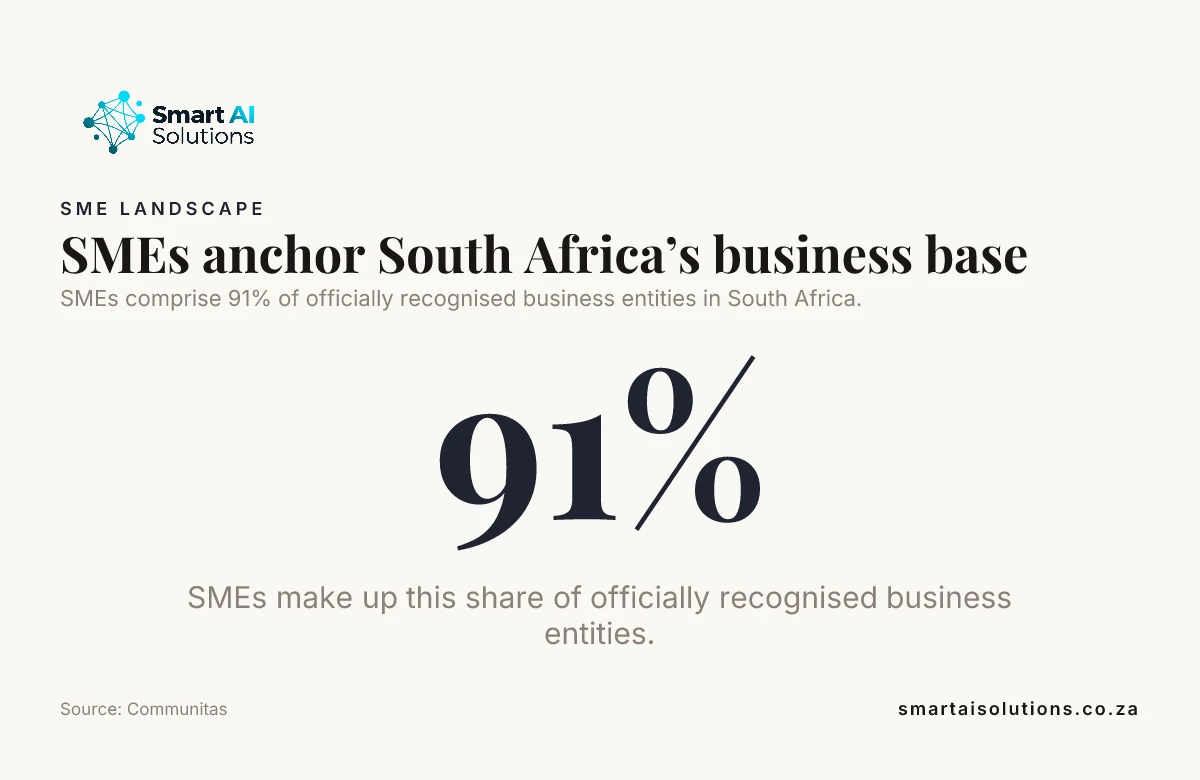
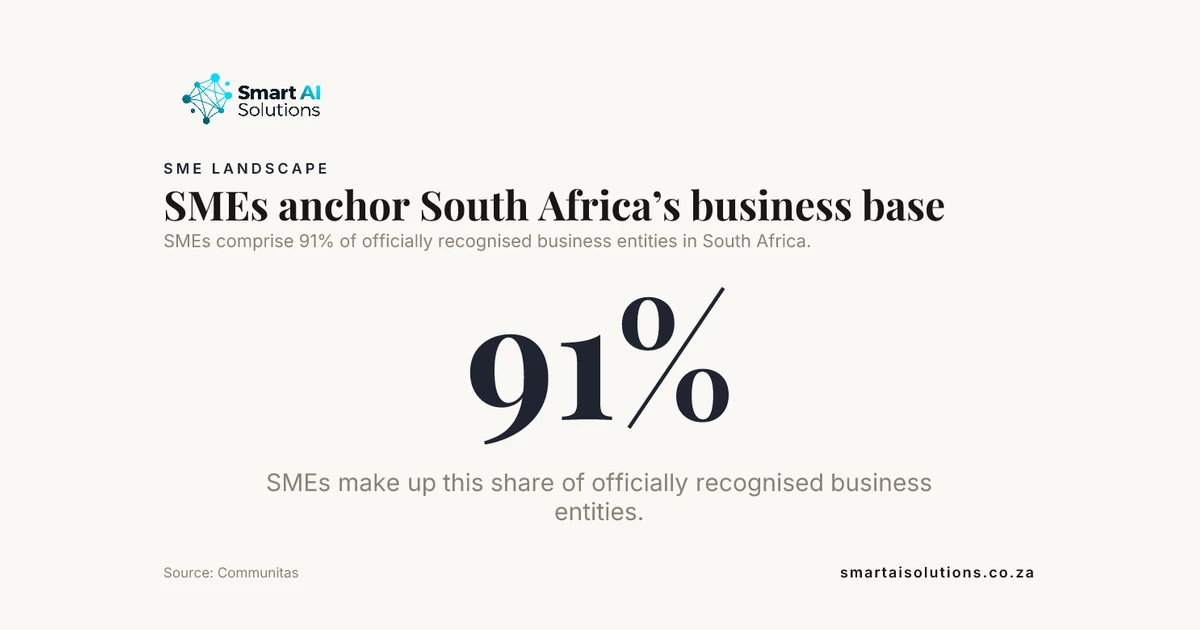
SMEs comprise 91% of officially recognised business entities in South Africa. Source: Communitas
Choose features around the conversations your team needs to handle
For a team sharing customer enquiries, prioritise a shared team inbox, clear staff assignment and conversation history. These tools help the next staff member see what has already been discussed, instead of asking a customer to repeat details.
A WhatsApp chatbot suits predictable tasks, such as answering FAQs, collecting lead details or routing a request to the right person. We recommend an obvious human handover for complaints, unusual questions and buying decisions that need judgement. Automation should support staff. It shouldn't trap customers.
Automate lead qualification, follow-ups or booking requests when the steps are repeatable and the required information is clear. A business chatbot can handle routine prompts, while a CRM and sales automation setup can connect lead follow-up with the sales process.
Check whether a CRM integration, ecommerce connection or booking tool can receive the information captured in a chat. If staff currently copy the same details into more than one system, connecting those steps can reduce duplicate entry and missed handovers.
Set a useful out-of-hours reply that explains when the team will respond and routes the request for later follow-up. A clear automated message gives customers a next step without pretending someone is available after hours.
Compare options by what the service actually covers
Compare providers by their included workflows, not only by a headline fee. AI chatbots, broadcasts, lead qualification, sales automation, integrations and payment processing are different parts of a service, so a lower price is not like-for-like if the scope is narrower.
Take a Cape Town company looking for chatbot support, marketing broadcasts, lead qualification and sales automation. Our WhatsApp Business Automation service says it can be live in 7 days. That makes it a useful example for comparing a defined set of sales and messaging workflows with your own requirements.
The broader WhatsApp Business Automation offer includes AI chatbots, broadcasts, lead qualification, sales automation, integrations and payment processing. Its wider stated scope makes it a different comparison from a service centred on the core messaging and lead workflows.
Use the service scope or timeline as a starting point, then map it against your systems, actual customer journeys and staff capacity. Ask which workflows are configured, what your team must supply, and how changes are handled after launch. For a side-by-side view of the local market, see our comparison of the best WhatsApp automation providers in South Africa.
Our practical test: Write down one customer journey from first message to resolution, then ask which steps the service automates, which system receives the information and where a staff member takes over.
Did you know? The informal economy in South Africa employs over 3.2 million individuals. Source: South African Journal of Information Management
Match the provider's scope to your location and business needs
The WhatsApp Business Automation Johannesburg service describes API automation with AI chatbots, broadcasts, lead qualification and payments. That mix may suit a business whose customer journey includes both sales conversations and payment steps.
Compare the Johannesburg-specific service with other options by scope and total cost, rather than headline cost alone. Put setup, message charges, integrations and ongoing support into the same comparison before deciding which scope fits.
Assess implementation help separately from automation features. Staff onboarding, technical assistance and maintenance all affect whether the system stays useful after launch, especially when workflows or customer questions change.
Calculate the full cost, not just the advertised amount
How much does WhatsApp automation cost? The total depends on the service scope and operating costs, so compare the full setup instead of treating one advertised amount as the complete budget.
- Platform or provider fees: Separate recurring charges from one-off setup costs. As a reference point, our AI chatbots start from R15,000 once-off setup.
- Meta messaging charges: Ask how charges are calculated and which message-template categories may incur them. Meta publishes its current WhatsApp Business Platform pricing.
- Setup and integrations: Include number configuration, account setup and connections to CRM, ecommerce or booking systems.
- User limits and optional features: Check how staff access is priced and which extra functions change the bill.
- Staff time: Budget for testing, training and ongoing conversation management.
Then compare the full cost with the time saved or additional qualified enquiries the workflow could reasonably support. For a low-volume business, we would test one narrow use case, such as lead qualification or appointment requests, and expand only when its measured benefit supports the next cost. Our guide to AI automation pricing in South Africa explains how setup and monthly costs are usually structured.
When CRM follow-up is part of the plan, include the work required to keep lead records and sales steps aligned. The CRM Sales Automation Cape Town service page is a relevant reference for considering CRM configuration and sales follow-up alongside WhatsApp workflows.
Plan the number connection, integrations and staff handover
Treat account setup, number connection, verification and staff onboarding as separate implementation steps. A subscription or service price does not automatically mean that every setup task or integration is included.
Can a company keep its existing WhatsApp Business number when switching to the API? Confirm the number-transfer requirements for the chosen setup first. Agree how the transfer will work and what happens to app access before making the change.
Before migration, decide which records staff need and arrange how to retain or export them so useful customer context is not lost.
For each integration, map the specific fields and events that should pass between WhatsApp and the CRM, ecommerce platform or booking system. Test that the right data reaches the right record and that an error or incomplete submission has a clear route for staff to resolve it.
Start with a small set of common conversations. Check answer quality, routing and human handover, then train staff to take over confidently before adding more workflows.
Did you know? In South Africa, 92% of small businesses reported an inability to continue operations during the COVID-19 restrictions. Source: Communitas
Keep messaging compliant and the customer experience trustworthy
Obtain and retain appropriate customer consent before sending marketing messages, and make the purpose and expected type of messages clear. Do not treat a customer enquiry as permission for unrelated promotions.
Follow WhatsApp's current rules for customer-service replies and approved message templates.
Use the correct message-template category and keep promotional content for customers who have agreed to receive it. A template's purpose should match the message, rather than using a service message to send marketing content.
Under the Protection of Personal Information Act (POPIA), manage consent records, privacy notices and the lawful handling of customer data as part of the business's own responsibilities. Define the provider's responsibilities in your service agreement, and understand how Meta handles data under its terms. Our POPIA guide for AI chatbots covers these duties in more depth.
During a pilot, review failed responses, escalations and customer feedback. Update confusing flows and preserve a clear route to a person whenever automation does not help the customer reach a resolution.
Frequently asked questions
Which provider offers the cheapest WhatsApp Business API in South Africa?
There is no single provider that is cheapest for every business. Compare the workflow, support and total operating costs that matter to your setup.
Can a WhatsApp chatbot answer customers when the business is closed?
Yes, it can provide approved information, capture a callback request and flag an urgent case for the next staffed shift. For safety-sensitive services, include a separate route for emergencies instead of relying on a routine chatbot queue.
How many staff members can share one WhatsApp Business number?
There is no single staff limit that applies to every provider setup; the inbox plan and its seat rules determine access. Ask how it handles supervisor permissions and temporary staff as well as the number of standard user seats.
Can WhatsApp automation understand customer voice notes?
It can when the connected system supports audio transcription or voice recognition and the workflow is configured to use it. Noisy recordings, accents and language variation can affect transcription, so give customers a text option or a human handover when the message is unclear.
How often should a business review and update its chatbot flows?
Set a regular monthly review, and update a flow sooner when products, prices, policies or booking steps change. Repeated fallback replies and unresolved handovers are useful signals that a specific answer or route needs attention.
Conclusion
Start with a clear workflow, a realistic total-cost estimate and a practical plan for staff handover. Keep the app if manual conversations remain manageable, and choose API automation when shared access, repeatable workflows or integrations deliver enough value to justify their cost.
We recommend piloting one useful customer journey, checking the full setup and message costs, and reviewing the experience before expanding. That approach helps a company invest in WhatsApp Business automation that solves a real operational problem instead of paying for complexity it does not need. To scope a pilot for your business, contact our team.