The short answer"I need to connect WhatsApp enquiries to our CRM and sales team" has a practical answer: link WhatsApp to your CRM and a shared inbox, so every message becomes a contact record with a named owner and a next action.
The short answer
"I need to connect WhatsApp enquiries to our CRM and sales team" has a practical answer: link WhatsApp to your CRM and a shared inbox, so every message becomes a contact record with a named owner and a next action.
"I need to connect WhatsApp enquiries to our CRM and sales team" has a practical answer: link WhatsApp to your CRM and a shared inbox through an authorised connection, so every message becomes a contact record with a named owner and a next action. To connect WhatsApp enquiries to your CRM and sales team properly, decide how messages become accurate records, who owns each lead and what happens next, then automate it.
This guide is for South African businesses setting up a WhatsApp CRM for the first time or fixing one that leaks leads. It covers the connection options, the fields to capture, ownership rules, automation within WhatsApp's rules, cost, testing and the fallback for when the connection goes down.
Key takeaways
| Question | Practical answer |
|---|---|
| What does CRM for WhatsApp do? | It connects WhatsApp conversations with CRM contacts, lead records, ownership and follow-up tasks. WhatsApp Business is a messaging channel; the CRM manages contacts, pipeline stages, ownership and reporting. |
| How should an enquiry reach sales? | Match the phone number to a contact, check for duplicates, record the source and interest, assign an owner, then create a next action. |
| How do we avoid leads sitting in a shared inbox? | Set assignment rules, a response deadline, a backup owner and an escalation path for unclaimed or overdue enquiries. |
| Which integration approach should we choose? | Use an authorised connection method: a native connector for a well-supported workflow, a third-party platform for flexible cross-system automation, or an API integration for specific requirements. |
| How much should we automate? | Automate routine steps with a human handover, so customers get a prompt response without being trapped in a long automated conversation. |
| What should we budget for? | CRM, messaging, integration and ongoing support can be separate cost categories. Compare current options on our pricing page. |
| How can we check whether our CRM process is ready? | Map lead capture, routing, follow-up and reporting first. Our CRM Health Check reviews these parts of the pipeline. |
| What if our systems need a custom connection? | Plan the data flow, permissions, error handling and testing before launch. Our AI Integration Services focus on connecting existing business systems. |
| What should we test before rollout? | Message syncing and permissions, then assignments and the outage fallback. Test with the people who will use the workflow. |
What CRM for WhatsApp means in practice
CRM for WhatsApp connects customer messages with the records and sales activities your team manages in its CRM. WhatsApp carries the conversation. The CRM keeps the contact record, lead source, owner, sales stage and next action organised.
WhatsApp Business is not a complete CRM. It handles messaging. It does not organise pipeline stages, ownership, activity history or reporting, and that is the gap a WhatsApp CRM integration closes.
A typical enquiry moves from an incoming WhatsApp message to a contact match, lead record, shared inbox assignment and sales follow-up. As the conversation progresses, relevant details and outcomes are logged so another authorised team member can understand the history without relying on one salesperson's phone.
For South African businesses, WhatsApp is already part of day-to-day communication.
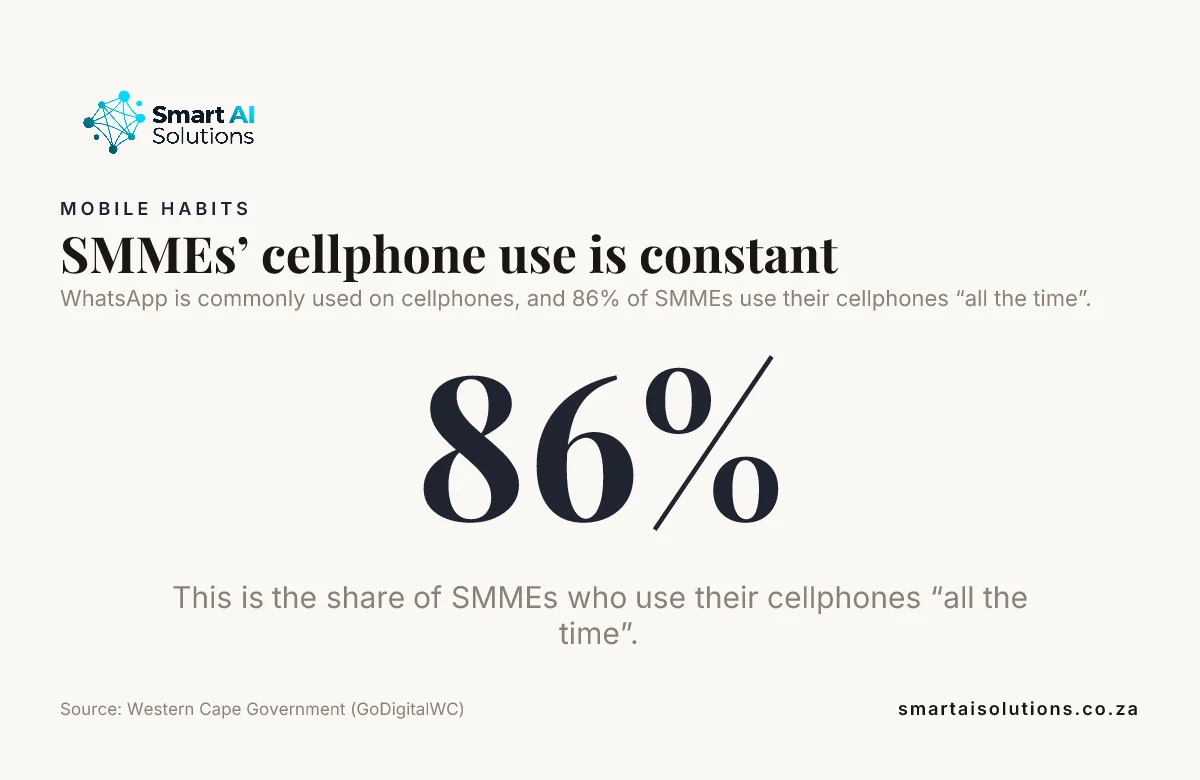
Did you know? 86% of SMMEs use their cellphones "all the time". Source: Western Cape Government (GoDigitalWC)
Keep the CRM as the source of truth for sales ownership and pipeline progress. Treat message activity, a qualified lead and a won sale as separate events so your reporting shows what actually happened.
Choose the right WhatsApp connection for your workflow
There are three common ways to connect WhatsApp to a CRM. Choose based on the fields, routing, conversation history and automation your sales process needs, not on whether a connector displays a WhatsApp button.
| Approach | Best for | What to check |
|---|---|---|
| Native CRM integration | Teams whose CRM has a suitable WhatsApp connection built in or supported by its ecosystem. | Which message events and fields sync, whether attachments and assignment rules come across, and whether data moves in one or both directions. |
| Third-party integration platform | Businesses connecting several systems or building workflow automation across tools. | How it handles authentication, retries, duplicate events, monitoring and changes to connected apps. |
| Custom API integration | Teams with specialised sales rules, legacy software or requirements standard connectors do not cover. | Who maintains the connection, how failures are reported and how the team can audit data transfers. |
Map the workflow across WhatsApp, any integration layer and the CRM. Decide which system owns contact details, conversation history and lead status. Decide what happens when a contact or conversation changes. One clear source of truth prevents conflicting updates.
For a managed connection, our WhatsApp Business Automation service designs POPIA-compliant, AI-powered conversation flows and connects them to a CRM, payment gateway and booking system. It suits teams that need a defined customer conversation and a working path into sales, not just another inbox. WhatsApp Business Automation in Cape Town includes WhatsApp automation with CRM integration, for businesses that need more than basic message forwarding.
A chatbot or workflow layer can help qualify enquiries and pass structured information into a sales process. Our AI chatbots and assistants and process automation services support connected conversations and business workflows.
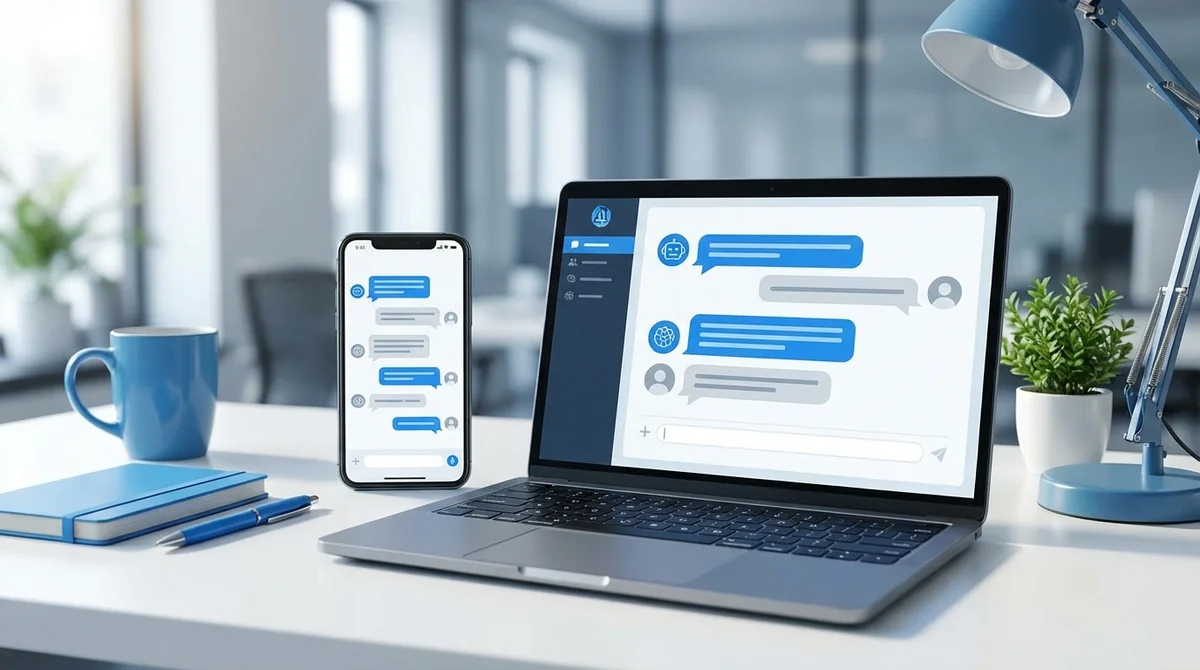
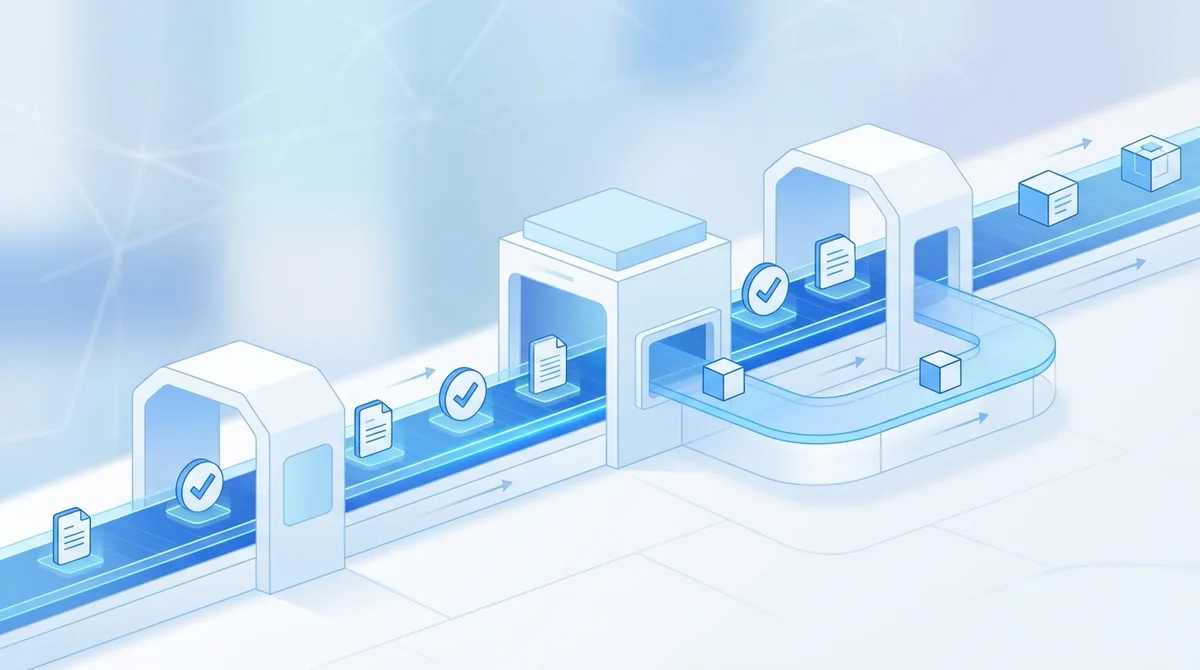
When existing systems need to work together, map the integration architecture before deployment. That is the work our AI Integration Services cover.

Check your WhatsApp account and number
The WhatsApp Business app and the WhatsApp Business Platform (which includes the Cloud API) do not offer the same team, API and automation capabilities. An app-based setup may suit one person handling conversations. A sales team that needs a WhatsApp shared inbox, CRM sync and automated routing usually needs a Platform connection through an integration provider.
| Connection route | What to check |
|---|---|
| WhatsApp Business app | How the team shares access, whether conversations sync to the CRM, and what happens to the number if you change your setup. |
| WhatsApp Business Platform or Cloud API | How messages reach the CRM, how staff take over conversations, and what registration or message-template steps apply. |
| Integration service | Which systems it connects, which records it updates, and how it handles errors, duplicates and permissions. |
To connect an existing WhatsApp Business number, follow the onboarding or migration path supported for that number and integration. Before switching, plan what happens to the app, number access and existing conversation history, including whether older chats will appear in the CRM.
What a WhatsApp Cloud API connection involves
If you take the API route, the technical path to connect WhatsApp to a CRM has four parts. Meta documents each one in its Cloud API documentation.
- Register the number: Add the phone number to a WhatsApp Business account and register it for the Cloud API.
- Receive messages by webhook: Meta sends each incoming message to a webhook address you control. Your integration reads the sender's number and message, then creates or updates the CRM record.
- Send replies through the API: Replies typed in the CRM or shared inbox go back to the customer through the API's messages endpoint.
- Get templates approved: Submit message templates for approval, so the team can restart a conversation outside the customer-service window.
A developer can test these calls before any CRM work starts. The business rules in the rest of this guide decide whether the connection is useful to sales.
Map the fields your CRM should capture
A good lead capture flow saves enough information to help sales respond, while avoiding unnecessary personal data. Use a consistent field plan and keep campaign attribution intact as a lead moves through the pipeline.
| CRM field | What to record | Why it matters |
|---|---|---|
| Contact identity | Phone number in a consistent international format, name when supplied, and a stable contact ID. | Helps match new messages to the correct contact record. |
| Lead source | WhatsApp, campaign or referral source, campaign identifier and any available ad, website form or landing-page details. | Preserves lead source attribution through later sales stages. |
| Consent | Opt-in status, time, collection point and permitted message purpose. | Gives the team a usable record of customer preferences. |
| Interest and qualification | Product or service interest and relevant answers, such as location, urgency or requirements. | Helps the assigned salesperson prepare a useful response. |
| Ownership and next step | Assigned owner, lead status, next action and due time. | Turns an incoming message into accountable follow-up. |
| Conversation activity | Message timestamps, conversation reference and relevant summary or attachment link. | Provides context without treating every message as a new sales opportunity. |
Decide what each enquiry creates in the CRM
Use the phone number as a matching key, but normalise its format before comparing it with CRM records. If a match is found, update the existing contact; do not create a duplicate. If one number could represent more than one person, route it for human review. Do not merge those records automatically.
If the number has no match, create a lead with the phone number, the customer's name if provided, enquiry text, timestamp, channel and source. Leave unknown details blank. Invented information creates bad handovers and unreliable reporting. Keep facts the team filters or reports on, such as enquiry type or product interest, in structured fields or labels. Internal notes are for context that should never appear in a customer-facing reply.
Set a clear rule for whether a conversation creates or updates a contact, lead or deal. Record the conversation itself, or a useful activity summary, against that CRM record so the next salesperson can see what the customer asked and what the team promised.
Capture campaign, website form or referral details alongside the conversation. This connects lead origin to pipeline progress and sales outcomes, so WhatsApp does not become an unattributed source.
A CRM health check can help identify record-quality and workflow issues before they spread across the pipeline. For teams that need a more consistent way to assess incoming prospects, our guidance on improving lead qualification connects qualification to practical sales decisions.
Our CRM and Sales Automation in Cape Town service includes CRM Lite, priced at R15,000 once-off setup plus R2,999 per month SLA. It supports businesses that need to improve lead scoring, follow-up sequences and pipeline automation. A shared pipeline dashboard like the one below helps a team track lead progress.

Did you know? Industry research shows that businesses can reduce customer service costs by up to 30% through automation and 24/7 accessibility. Source: Business Day
Give the sales team ownership, visibility and escalation
A shared inbox gives authorised team members visibility of incoming enquiries, who owns each conversation and whether a reply is pending. That visibility stops two salespeople from answering the same customer, or each assuming someone else has taken the lead. It also reduces the risk of a customer's only conversation record being left on an individual phone.
Every new enquiry needs a named owner in the CRM. Set lead assignment rules around the way your team sells, and choose rules the team can explain and audit. Common rules include territory, product or service interest, language, branch, existing account owner and salesperson availability. A clear rule is easier to manage than informal forwarding. Use round-robin only where enquiries are genuinely interchangeable. Otherwise the salesperson best placed to help may never see the lead.
- Assign every new enquiry: Use a rule such as territory or product first, then a round-robin or queue for the remaining leads.
- Set a response deadline: Agree the window in which the owner must reply, so nobody relies on someone noticing an unanswered chat.
- Set a backup owner: Route enquiries to a team queue or named backup when the primary salesperson is on a break or absent.
- Escalate overdue leads: Notify a manager or redistribute the enquiry if nobody accepts it or takes the required next step within your agreed service window.
- Keep an assignment history: Record who owned the lead, when it changed hands and why.
Define what the team should do when a lead is reassigned. Transfer the conversation history, its context and the next task together, then notify the new owner. The replacement salesperson should not have to reconstruct the enquiry, and the customer should not have to repeat it.
For teams reviewing their wider sales workflow, our CRM sales automation service in Cape Town covers the broader pipeline and follow-up process. The same ownership rules can serve a Cape Town sales desk, a Joburg branch or a nationwide team.
Automate qualification and follow-up within WhatsApp rules
Workflow automation can turn a WhatsApp event into a CRM action. For example, a new enquiry can create or update a contact, apply a source label, send a prompt acknowledgement, ask a qualification question, assign a salesperson and create a follow-up task.
Keep automated questions short and relevant to the sales decision. If a customer asks for a person, gives an unclear answer or raises a complex issue, route the conversation to a team member with its context. Do not force the customer through a rigid flow. An unnecessarily long automated conversation blocks the human handover.
Build reminders and follow-up sequences around lead status and elapsed time. Pause or stop automation as soon as a salesperson takes ownership or the customer replies, so the system does not keep sending messages after the conversation changes.
Saved replies help the team answer common questions consistently. Treat them as a starting point, and have the salesperson adapt each one to what the customer asked.
The WhatsApp 24-hour rule refers to the customer-service window that starts from a customer's latest message. Within that window, a business can respond with free-form messages. Outside it, businesses generally need an approved message template to restart the conversation.
Make consent and message rules part of the CRM workflow so they do not depend on staff memory. Record customer opt-in, where it came from and its purpose, and limit messages to the purpose the customer agreed to. Use approved templates where required, and do not trigger promotional broadcasts to people who have not opted in. Give customers a clear route to a person and a way to stop promotional messages.
Practical rule: A CRM event can create a WhatsApp follow-up task, but the automation must still respect the customer's consent, the applicable messaging window and template requirements.
For property teams, lead follow-up automation for a single branch combines integrations, message sequences and CRM auto-population, with up to 1,500 active leads per month. The process still needs a stop condition and a human owner when a customer responds.
Choose a CRM that fits your sales process and privacy needs
Assess CRM suitability by tracing a real enquiry from first message to close. The CRM should support the contact structure, lead stages, ownership rules, reporting and integrations your team actually uses. Compare a CRM with WhatsApp integration on the workflow it supports, not on the label in the feature list.
- Can it match incoming messages to existing contacts, update them in both directions and preserve the original lead source?
- Can it create leads and deals, assign them, create tasks and alert a backup owner?
- Can it retain the conversation context the team needs without exposing every message to every user?
- Can a person take over a chat cleanly from the automation?
- Can it report on response handling, lead progression and outcomes by source?
- Can it connect with the systems already used by sales and operations?
Ask how the setup handles message templates, number registration and use of your existing number. Walk through duplicate contacts and failed message delivery or record syncing, too. A reliable workflow needs a visible way to catch and resolve failures.
For South African businesses, build privacy controls into the design. Collect only information needed for the enquiry, restrict conversation and contact access by role, and keep audit records of access and changes. Set retention and deletion rules that fit the business purpose and your POPIA practices. Role-based access protects customer context without giving every team member unrestricted access to every conversation.
Avoid asking customers to send sensitive details through WhatsApp unless the process has a clear need and appropriate safeguards. Keep payment credentials and unnecessary identity or health information out of general sales notes, and ensure vendors that process customer information have defined responsibilities. Our guide to POPIA compliance for AI chatbots covers the same duties for automated conversations.
Budget for the whole connection
Budget for the CRM, messaging or provider charges, integration setup and ongoing support as separate possible costs. A quote that covers only one of them is not the full cost of the connection.
CRM & Sales Automation audits a sales pipeline and implements lead scoring, follow-up sequences, pipeline automation and dashboards for the gaps it identifies. It suits a team that needs the WhatsApp connection to feed a measurable sales process. CRM Lite is R15,000 once-off setup plus R2,999 per month SLA, and CRM Full is R45,000 once-off setup plus R2,999 per month SLA.
Roll out in stages, test the connection and measure what happens next
Prepare the business account, number, CRM fields, ownership rules and any required message templates before enabling the workflow for the whole team. A controlled setup gives you a chance to catch configuration issues before live enquiries depend on the connection.
Test the whole workflow before launch, not only whether a message appears in the CRM. Use test cases that reflect both new and existing customers, different message types and the exceptions your sales team will encounter.
- New contact: Send an enquiry from a number that is not in the CRM and check contact creation, source, consent and assignment.
- Existing contact: Message from a number already in the CRM and confirm that the integration updates the right record without creating a duplicate.
- Attachments: Test voice notes as well as images and documents, then check what the CRM stores and who can access it.
- Automation and takeover: Check the automated acknowledgement and follow-ups, then have a salesperson take over and confirm the automation stops.
- Reassignment: Make the primary salesperson unavailable and verify that the backup receives the lead and the conversation context.
- Permissions: Log in with each role and confirm staff see only the conversations and records they should.
- Failures: Test a failed sync and a CRM workflow error, then confirm that the team receives an alert and can recover the event without creating duplicate records.
- Campaign tracking: Follow a test lead through CRM stages and make sure the original source remains available in reports.
Include the people who will use the workflow in the review. They will spot handover gaps that a technical test can miss.
Agree an outage fallback before launch, such as a monitored manual inbox and a later reconciliation of messages with CRM records. Keep the process simple enough for the team to use when the integration is down.
Measure first-response time, the number of unassigned enquiries, overdue follow-ups, sync failures, duplicate contacts and lead progression by source. Report conversations, qualified leads and sales separately so message volume does not get mistaken for commercial results.
Counts alone can hide the cause. Review a small sample of live leads on a regular schedule for duplicate contacts, unassigned chats, stale follow-up tasks and missing summaries. When the same problem keeps appearing, fix the routing or data rule instead of leaving staff to work around a faulty sync.
Use the same workflow for ecommerce and support as for sales
For sales, connect qualification answers and the conversation to the lead and its next pipeline step. For ecommerce, attach product or order questions to the relevant customer record and service action, so sales reporting does not absorb routine support work.
For support, route service issues to the right queue and retain enough context for a handover. Restrict access by role, so staff can resolve the cases they own without opening every customer chat to the whole business.
Use agreed outcome fields such as qualified, booked, purchased or resolved. Those outcomes let the team compare enquiry sources and improve routing and follow-up rules without relying on vague notes.
For sales teams, our advice on how to qualify leads faster connects enquiry handling to the next sales action. Retail teams can also see how to boost online sales by linking customer questions to the purchase. If WhatsApp is one of several channels, our guide to connecting WhatsApp, email and web chat shows how they share one customer record.
A 2023 report by research platform Yazi, cited by Business Day, found that 52% of South African consumers prefer WhatsApp to phone calls, SMS or email for rescheduling deliveries and resolving service issues.
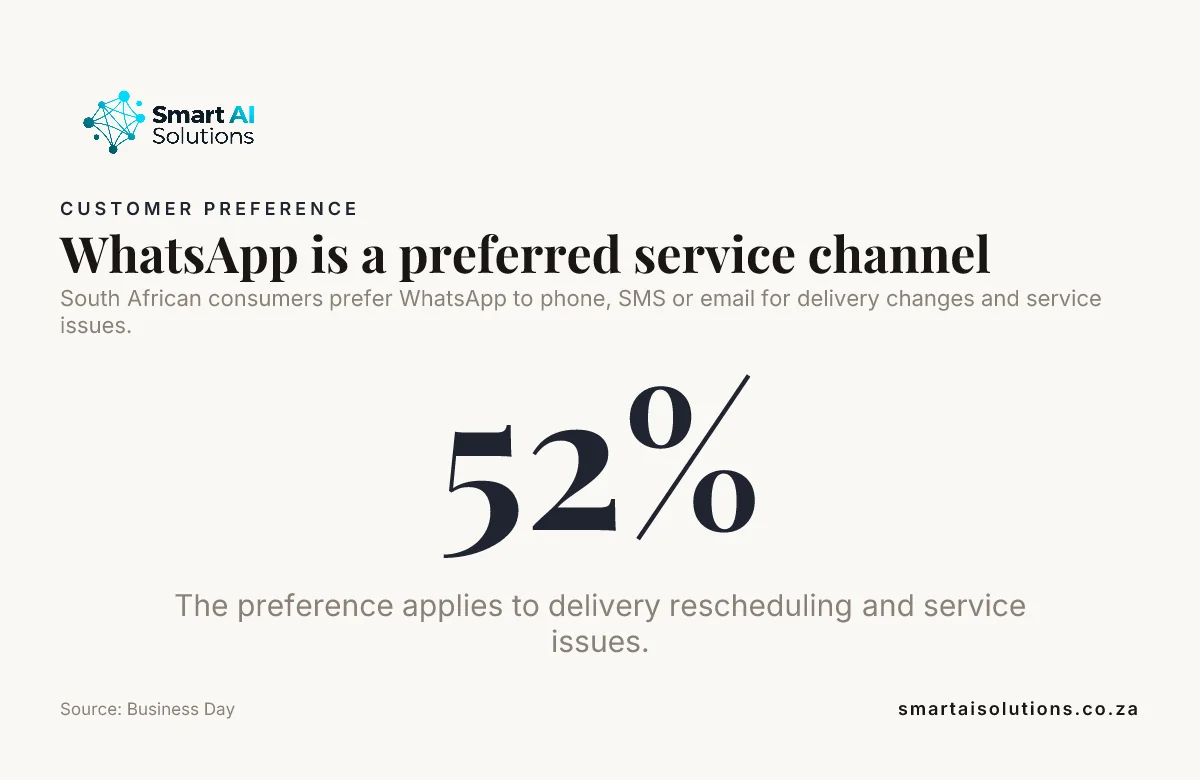
Source: Business Day
Frequently asked questions
Is there a free CRM that can connect to WhatsApp?
Some CRM plans offer free entry-level features, but WhatsApp messaging may require a separate connector, provider account or paid messaging service. Compare the full cost of the connection, not only the CRM subscription.
Can we connect more than one WhatsApp number to the same CRM?
Yes, a CRM can support multiple WhatsApp numbers when the integration supports that configuration. Map each number to a branch, team or business unit so the CRM preserves the correct source and routes the enquiry to the right people.
Can a team use the same WhatsApp number in the Business app and through a CRM connection?
That depends on the connection method and the number's eligibility for the setup. Some arrangements support app and platform use together, while others require a different registration or migration process.
Can one WhatsApp contact have more than one sales opportunity?
Yes. Keep one contact record for the person and create separate opportunity records for distinct purchases or projects, each with its own value and stage, plus an owner and a next action.
Can WhatsApp voice notes, images and documents appear in a CRM record?
They can appear when the selected integration supports those media types and the CRM can store or reference them. Ask whether the record keeps the file itself, a secure link or a note about the attachment, since those options affect how staff retrieve it.
Should every WhatsApp message create a separate CRM activity?
Use conversation references, summaries or grouped activity records where that gives the sales team enough context, and reserve separate CRM tasks for actions someone must complete.
Will a new CRM connection import old WhatsApp conversations?
Historical chat availability depends on the integration and the data it can access during setup. Decide whether older conversations are needed for current customer service, and test how any approved import appears in the contact timeline.
How long should WhatsApp conversation history be retained in a CRM?
Set retention by business purpose and record type, such as an active sales opportunity, a completed purchase or a resolved support case. A schedule should also state who can approve deletion and how the team handles a legitimate request to access or remove personal information.
How should we route WhatsApp messages that are customer support requests, not sales enquiries?
Use an initial intent check to send support requests to a service queue or case record, so not every message lands in the sales pipeline. If a support conversation reveals a genuine sales opportunity, create a linked lead and retain the service context for the authorised sales owner.
Can a manager review WhatsApp conversations without taking ownership of the lead?
Give managers read-only access to conversation history and a separate way to leave coaching notes, while keeping follow-up tasks with the assigned salesperson.
What should we do if WhatsApp messages stop appearing in the CRM?
Use the agreed monitored inbox or exception queue as the temporary source for new enquiries, and alert the person responsible for the integration. Once syncing resumes, reconcile the queued messages against CRM records so no lead, reply or follow-up task disappears and no duplicate is created.
How should the team handle WhatsApp enquiries that arrive after business hours?
Send an approved acknowledgement that sets a realistic expectation for when the team will reply, and route the enquiry to a queue for the next working period. If some enquiries need urgent attention, define a separate monitored route rather than implying that every after-hours message gets an immediate reply from a person.
Conclusion
If you need to connect WhatsApp enquiries to your CRM and sales team, build the setup around reliable lead capture, clean contact records, visible ownership, useful conversation history and a defined next action. Choose the connection that fits your CRM and sales process, test exceptions as carefully as the normal path, agree the fallback, and keep consent, privacy and attribution in the workflow from the start. We map the business logic first, then connect WhatsApp to the CRM in a way your team can use and audit. To scope a WhatsApp CRM integration for your business, contact our team.